Carve a design into a pumpkin
Turn a flat design into a carved pumpkin, and then into a clip of it being carved.
Show a clean-plate trick for start + end frame video. You make the finished look first, then an edit node removes the change, and the Image→Video node travels from the clean plate back to the finished still. Both ends of the shot match because one image was made from the other.
Saved result
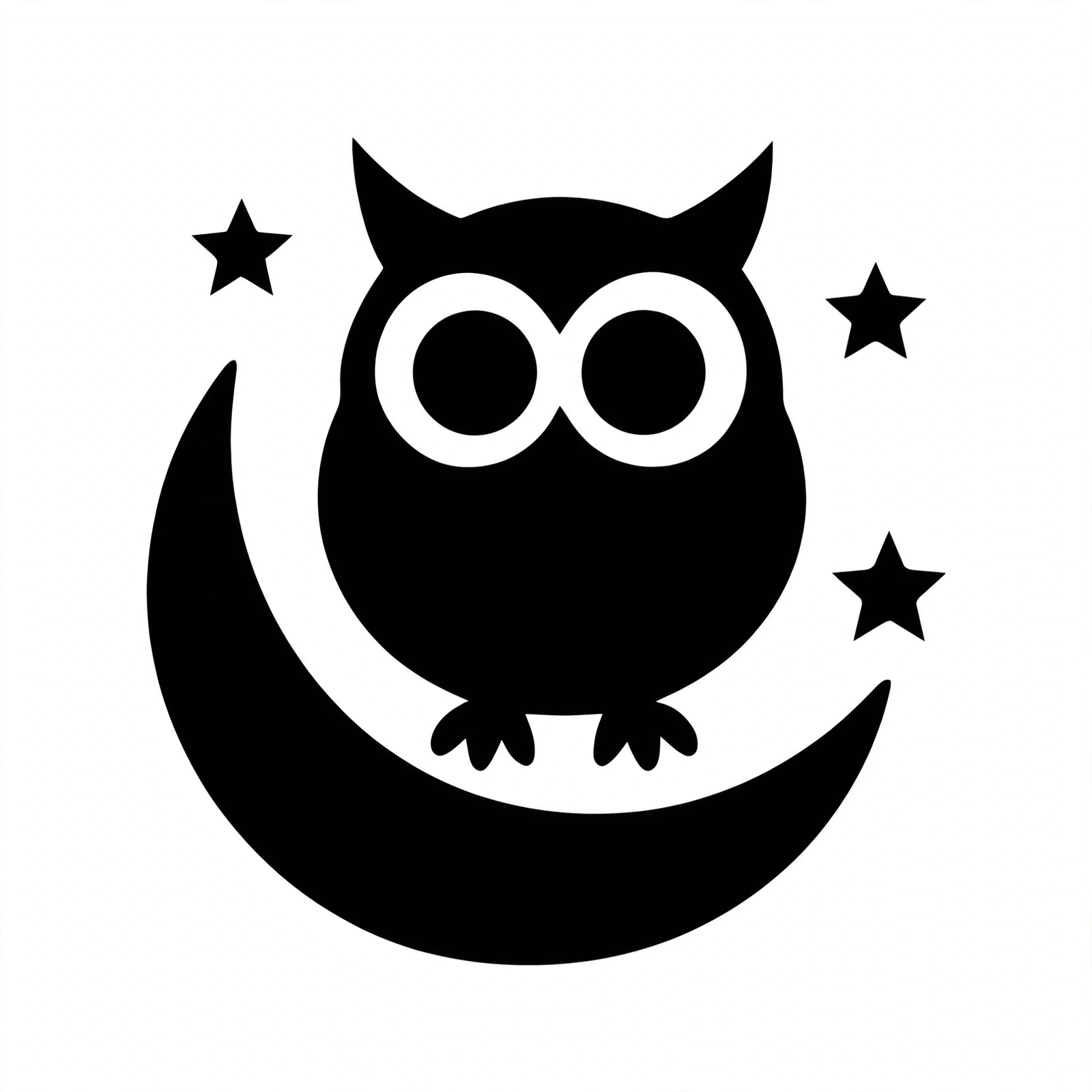
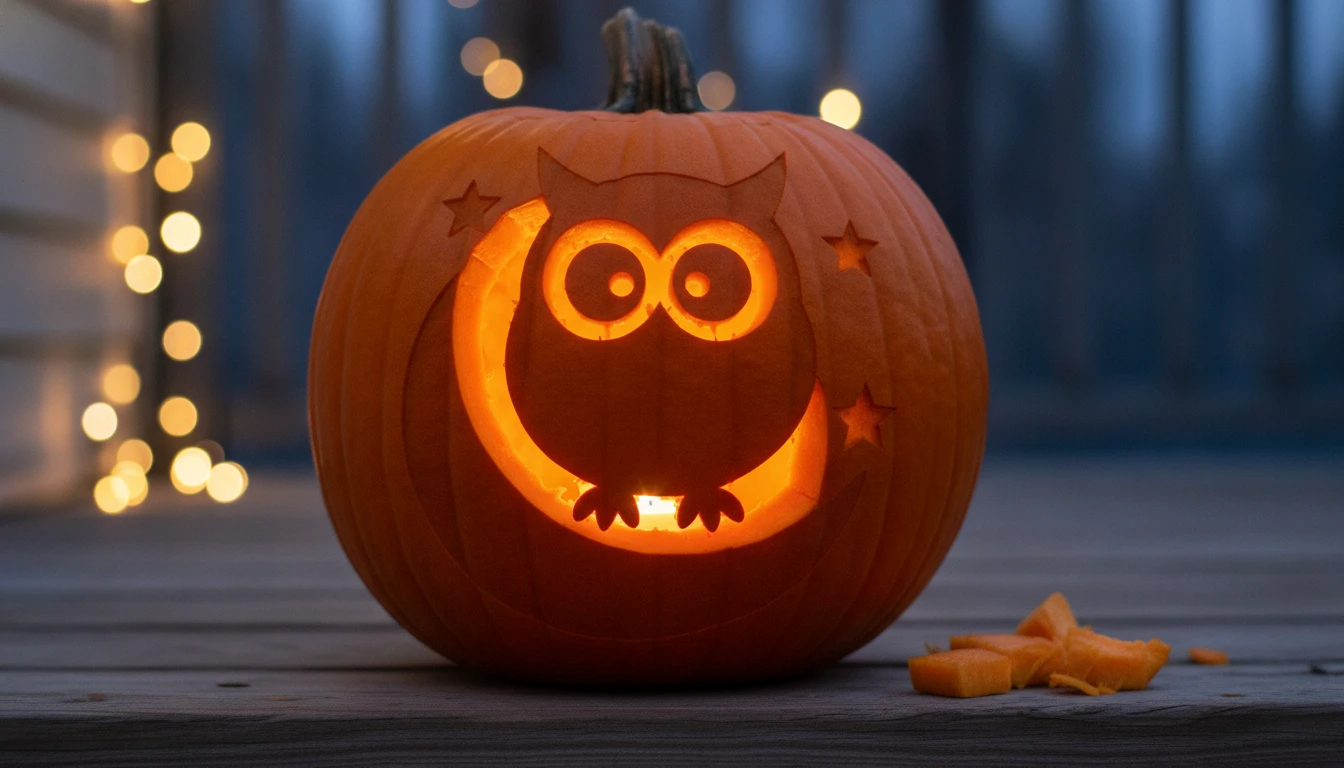
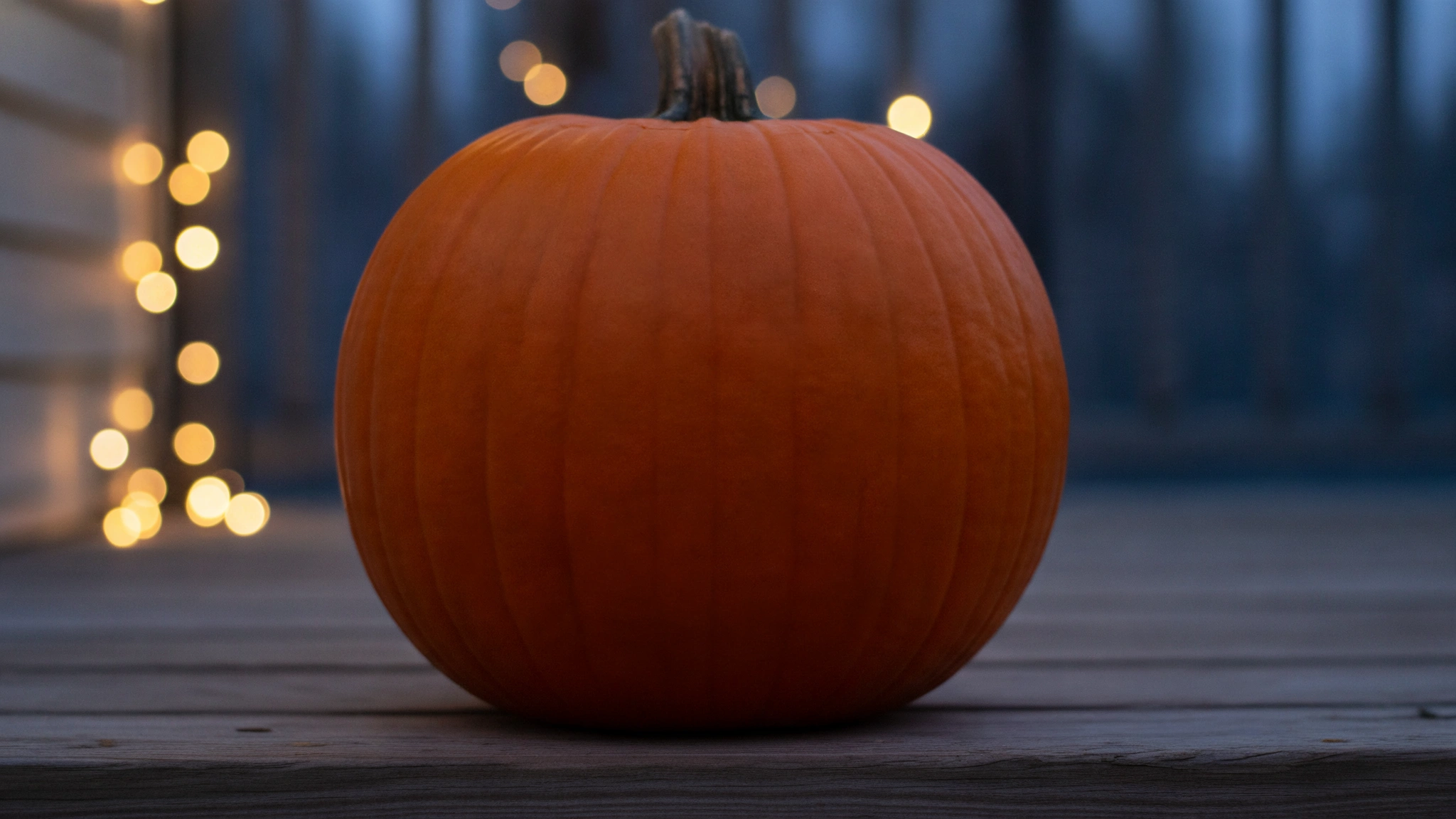
Muse draws a flat black stencil: an owl perched on a big crescent moon with three stars. Nano Banana Edit carves that stencil into a pumpkin on a dusk porch with fairy lights behind it. The moon and the owl's eye rings are cut through and glow, the owl's body and the stars are shaved into the skin, and a few chips lie on the step. Muse Edit takes the carving back out to make a clean plate: the same pumpkin, step and framing with whole skin and no chips. MiniMax H3 Max Turbo gets the clean plate on its image port and the carved still on its end-frame port. Across 5 seconds at 480p the camera holds still while glowing lines trace the stars, the moon and the owl. Two cut pieces drop onto the step and the candle inside flickers on, and the clip ends on the carved still. Flaws: no hands or tools appear, so the carving draws itself. The prompt asked for a curly green stem, but both stills have a dark brown one. The clean plate is a slightly wider crop (2048×1152 against the carve's 1344×768), which the clip absorbs. H3 Max Turbo added a faint, wordless sound bed. A first carve with Muse Edit drifted from the stencil (the moon became a grin), so the saved graph uses Nano Banana Edit for that step. The original workflow vectorizes its design first. Here the stencil prompt asks for flat black shapes, so no vectorize step is needed. Swap the stencil node for a 📷 Image input to carve your own drawing. Every still and sampled video frame was checked and is SFW (an invented owl design and a pumpkin, no people). Inspired by @jp_costa's ComfyUI pumpkin-carving workflow (https://x.com/jp_costa/status/2115525910254530758). No media from that post is used.
Make it yours
- Open the graph — save first if the canvas already has your work. Undo brings yours back.
- Rewrite Stencil · prompt for your own design and keep "flat black shapes, no thin lines" so it carves cleanly, or swap the stencil node for a 📷 Image input. Change the scene in Carve · instruction (a wooden sign, a cake, a sand sculpture) and keep Clean plate · instruction asking for the same camera and framing. Carving · motion prompt describes how the change happens.
- Check the editor estimate, then run with your NanoGPT key. Muse 1:1 $0.011 + Nano Banana Edit $0.039 + Muse Edit 16:9 $0.011 + MiniMax H3 Max Turbo at 480p for 5 s, $0.125. The saved run was $0.186.
- Check that the carved still keeps the stencil's shapes (Muse Edit lost them here, Nano Banana Edit kept them), that the clean plate matches the carved still apart from the carving, and that the clip's first and last frames match the two stills.
Download workflow · Original sampled graph · Explore MCP tools · awesome-noodles