Logo to a 3D pile, cut out
Turn a flat logo into a 3D hero graphic, a heap of the logo as physical objects, on a transparent background for a slide, a banner or a launch post.
Chain two Edit nodes: the first restyles the picture (flat logo to 3D pile), the second uses a background-removal model with a short prompt naming what to keep, so the result comes out as a transparent PNG.
Saved result

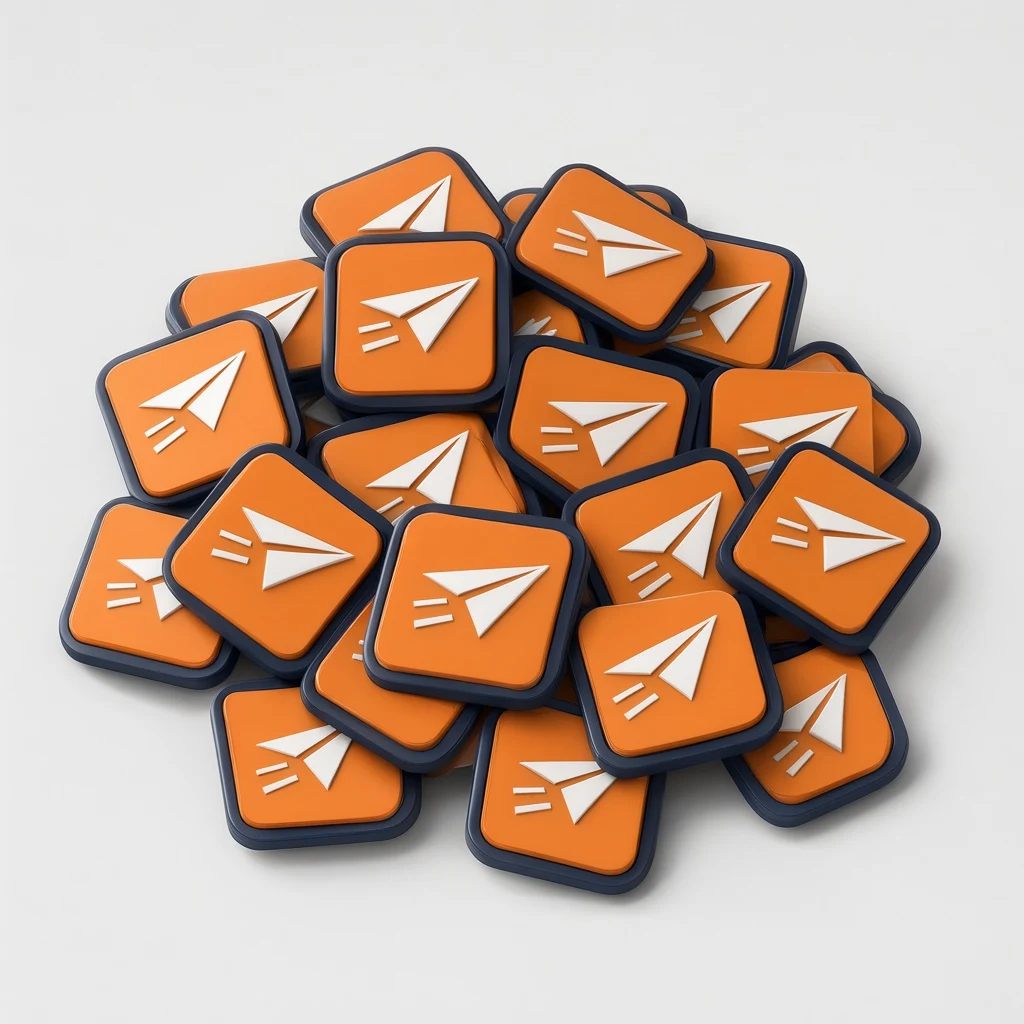
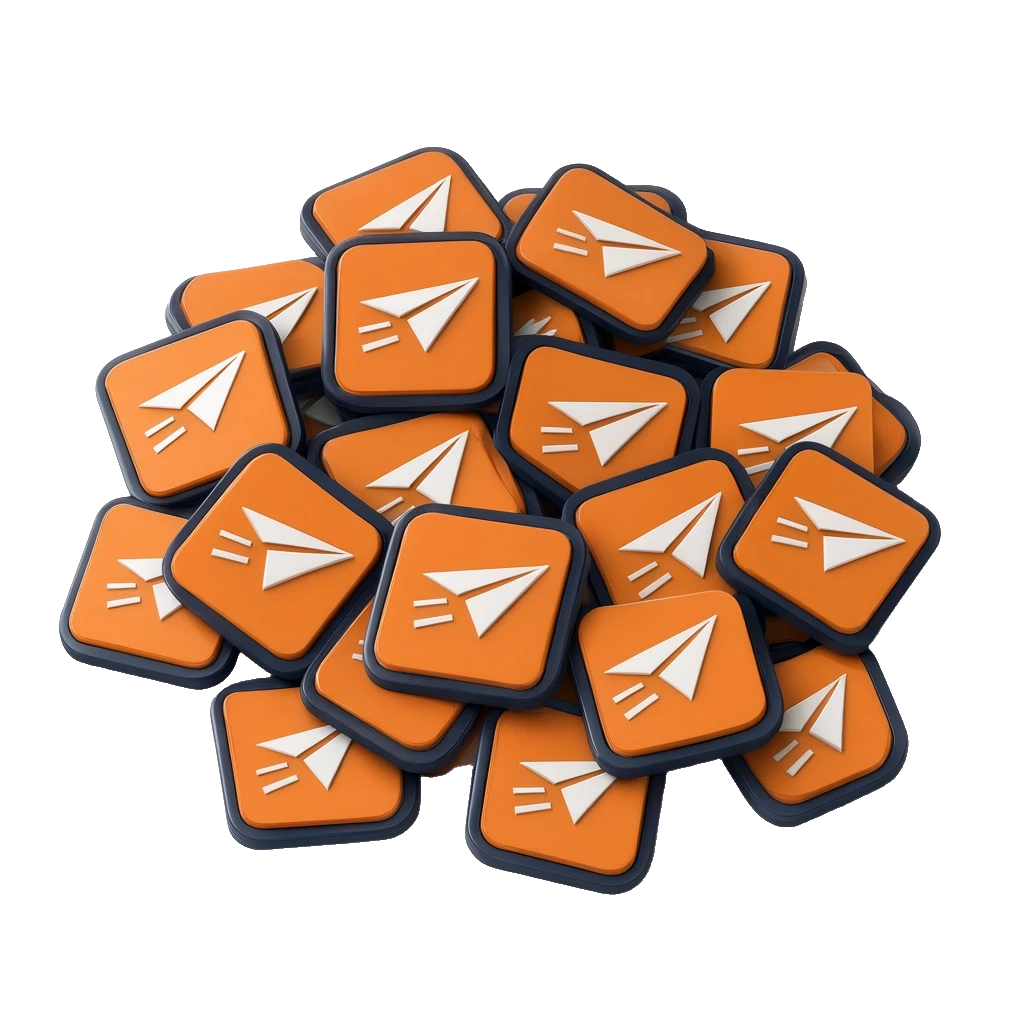
FLUX.3 Klein draws a flat two-color logo: a rounded square badge with a navy outline, a tangerine fill and a white paper airplane with two speed lines. Qwen Image 2.1 Edit gets that logo as image 1 and an instruction to make about twenty thick 3D copies, piled up messily, tilted and overlapping, isometric from a high angle, on a plain light grey background. It returns a heap of about two dozen glossy badges that all keep the navy rim, the orange face and the white airplane. Bria's guided background removal is told to keep "the pile of 3D logo badges" and returns a 1024×1024 PNG where the grey background is fully transparent and the pile edges are clean, so it can go straight onto a slide or a banner. Flaws: the Klein logo has slightly soft, uneven edges, the kind you get from a raster model, not true vector. In the pile, every badge lies flat or tilted; none stands on its edge as the instruction asked. The badges are thinner than "thick", and a few airplanes are simplified or mirrored copies of the original. The cutout drops the contact shadows, so the pile floats when placed on a new background. Swap the FLUX.3 Klein node for a 📷 Image input to pile up your own logo. Every image was checked and is SFW (an invented logo shape only; no people, no text, no real brands). Inspired by @Manz's ComfyUI + Qwen Image 2.1 logo-pile workflow (https://x.com/Manz/status/2114301636029882437). No media from that post is used.
Make it yours
- Open the graph — save first if the canvas already has your work. Undo brings yours back.
- Describe a different mark in Logo · prompt, or swap the FLUX.3 Klein node for a 📷 Image input with your own logo, ideally on a plain background. In Pile · instruction change the count, the material (glossy plastic, metal, wood) or the angle; keep "exact copy of this logo" and "plain background" so the cutout step has an easy job. If your logo is not a badge, change "the pile of 3D logo badges" in Keep · what to cut out to match.
- Check the editor estimate, then run with your NanoGPT key. FLUX.3 Klein at 1024² for $0.009 + Qwen Image 2.1 Edit at 1k for $0.03 + Bria guided cutout for $0.03 = $0.069. With your own logo the first step is free, so it is $0.06.
- Compare the copies in the pile with the flat logo: colors and shape hold, but look for simplified or mirrored marks. Open the cutout on a dark background to check the edges; the contact shadows are gone, so add your own if it looks like it floats.
Download workflow · Original sampled graph · Explore MCP tools · awesome-noodles