Photo to editable layers
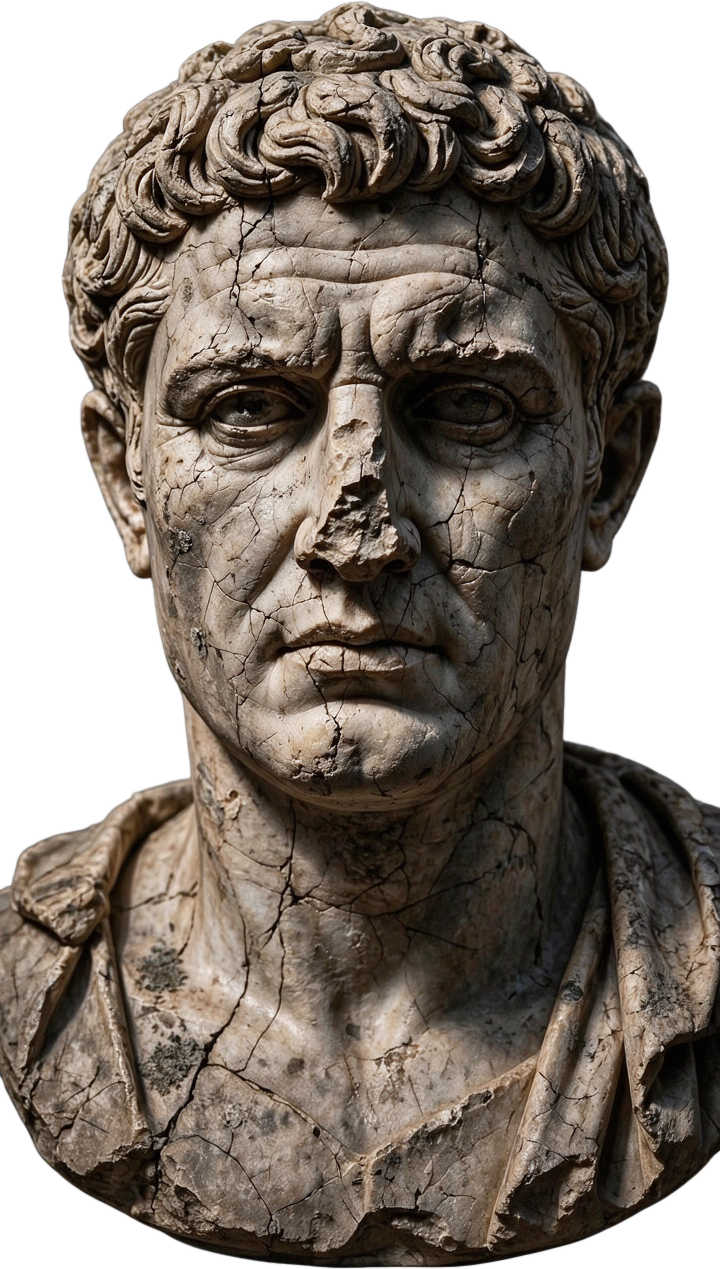
One photo → a stack of named layers: base plate, background, and each element as its own transparent PNG with a bounding box.
A Gemini survey names what should separate and what will resist. Seedream 5.0 Flash Layerize returns the stack — a clean base plate, the background, and each element as a transparent PNG carrying a name, a z-index and a bounding box on the edit node's images and layers outputs. GLM writes the guide: what you got, what to do with the pieces, and the honest edges.
Saved result
Layer survey · Gemini names what will separate and what will resist · reported $0.0004
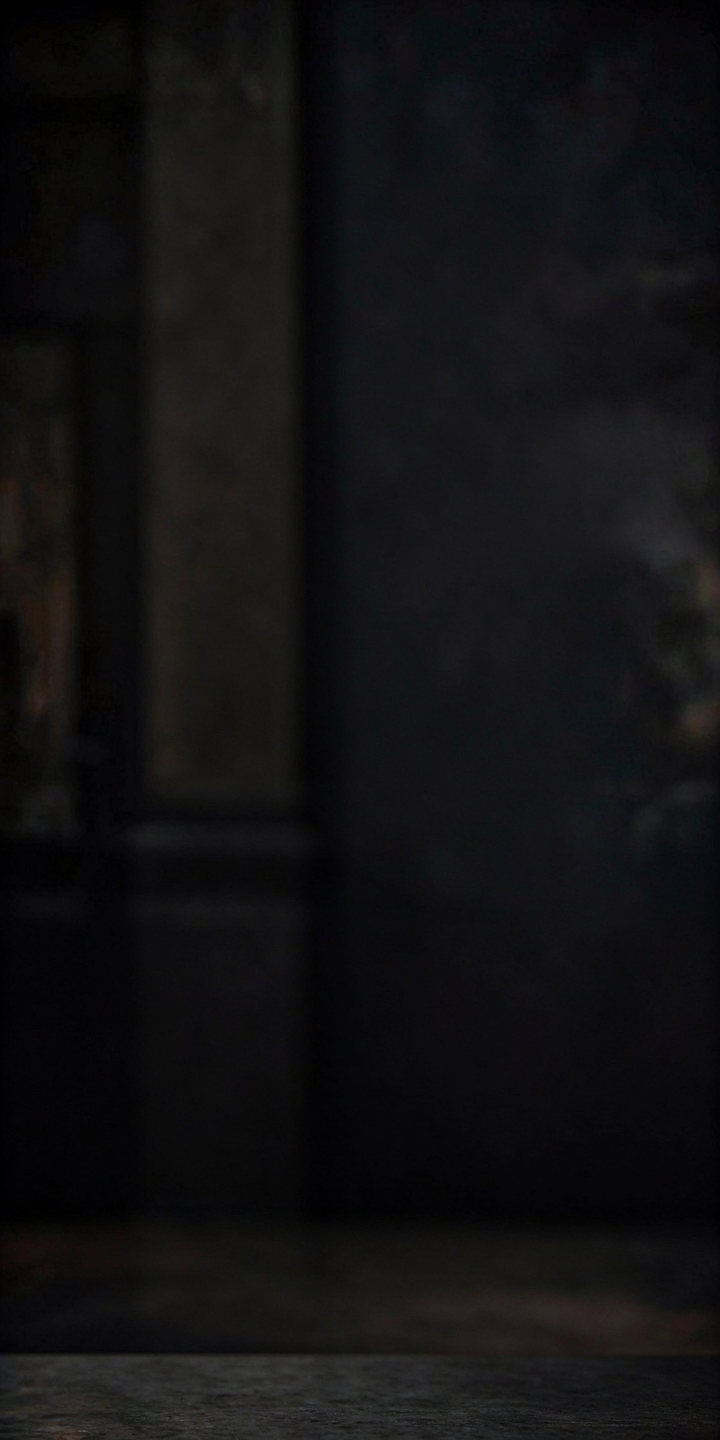
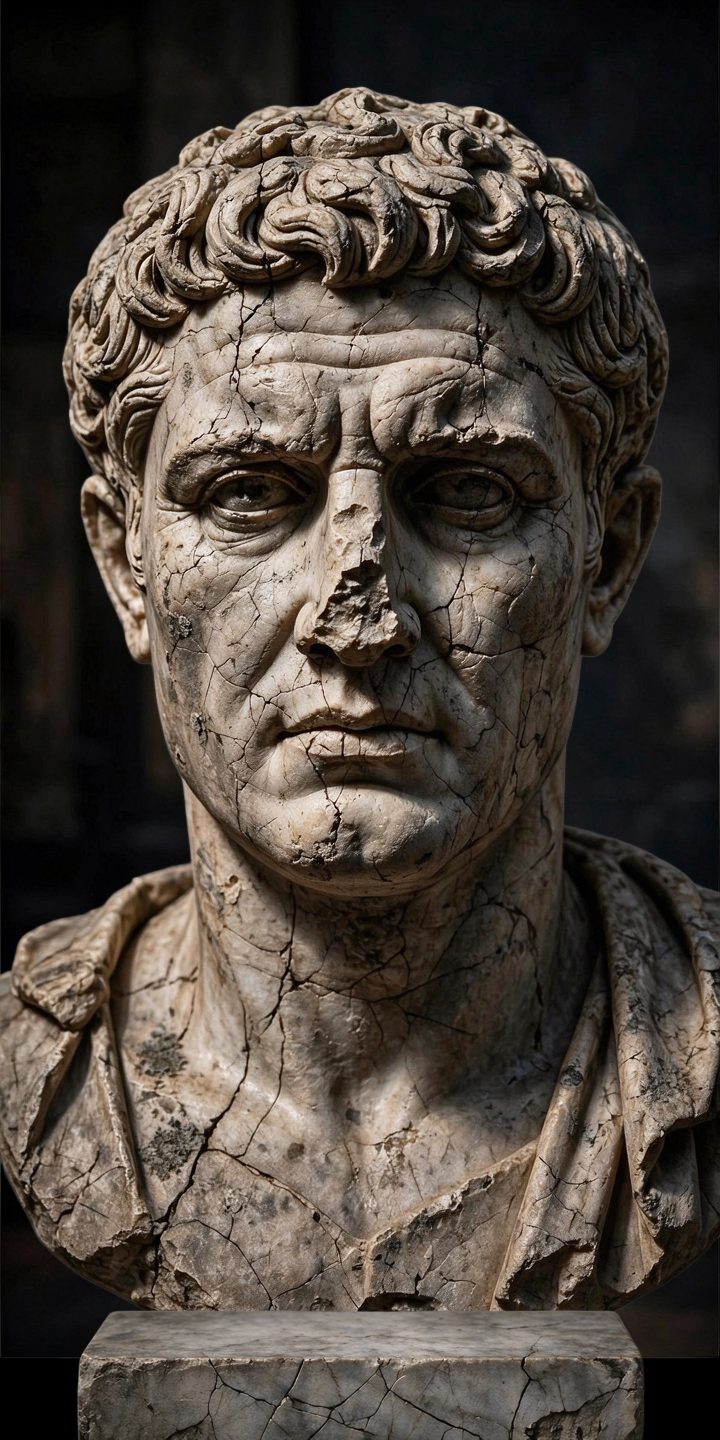
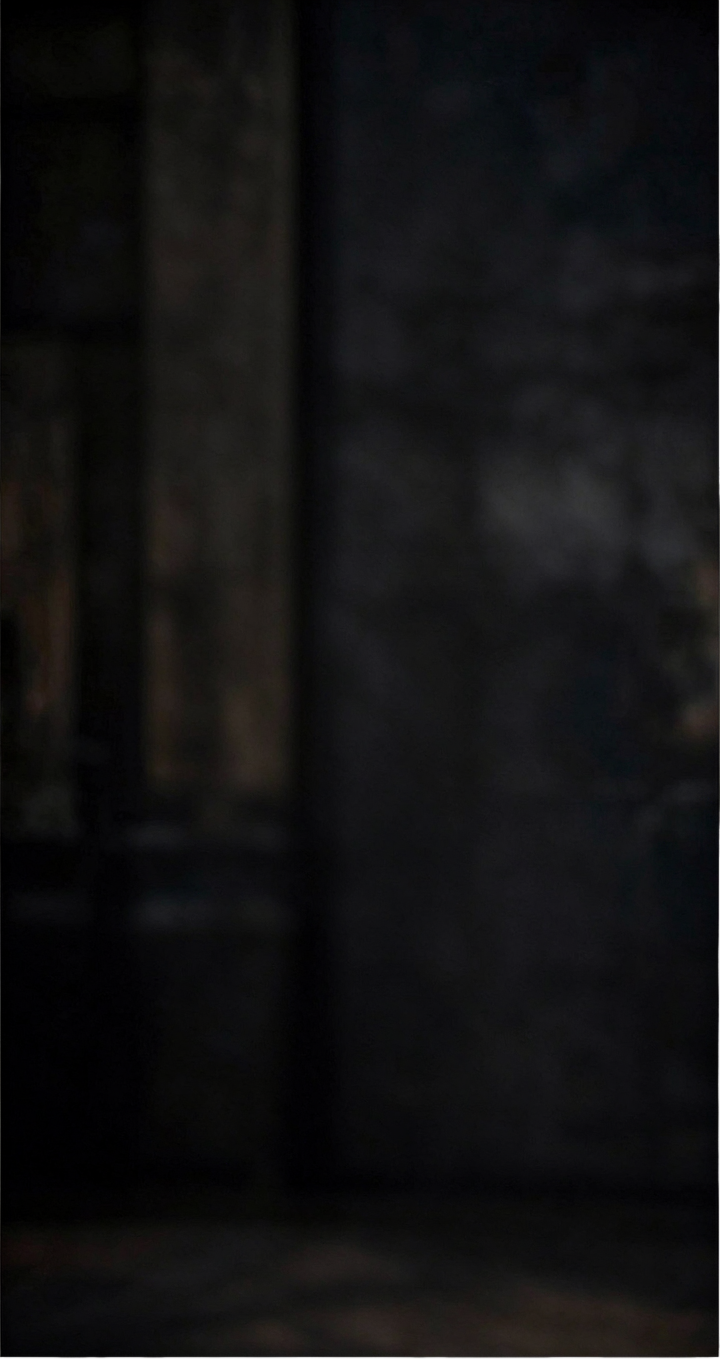
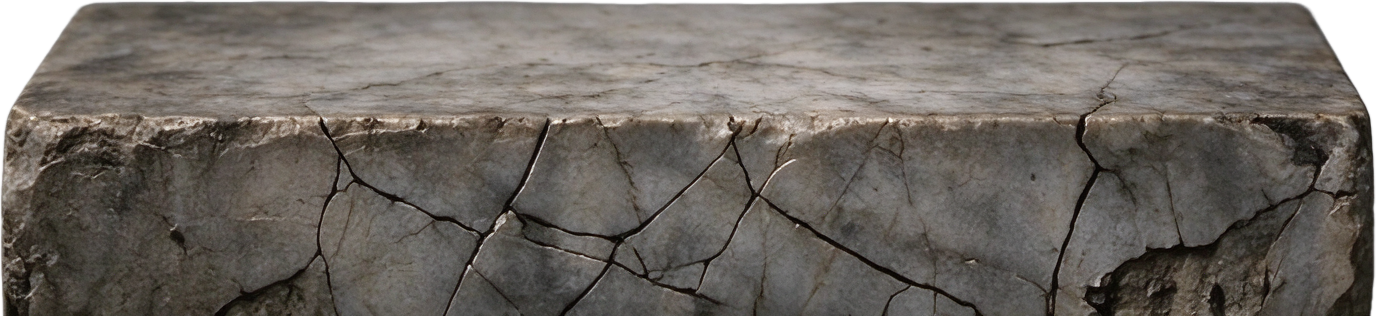
Background: Dark, indistinct shadowed void. Main Subject: Weathered, cracked stone bust. Supporting Elements: Integral stone plinth. The hair resists clean separation; its intricate, porous texture and deep crevices blend complexly into the dark background, making precise edge masking difficult.
Layers guide · GLM writes what you got, what to do with them, and the honest edges · reported $0.00
**What You Got** You receive a layer stack. The stack contains a clean base plate with the stone bust and pedestal removed and the area inpainted. The background is a separate transparent PNG. The main subject, the weathered stone bust, is its own named layer. The supporting element, the stone pedestal base, is also its own named layer. Stacking these layers at their provided coordinates reconstructs the original image. **What to Do With Them** Use these layers for precise compositing. A direct application is to place the isolated stone bust onto a different backdrop, such as a library shelf or a digital gallery wall, changing the context without a new photoshoot. You could also separate the bust from its pedestal, moving the subject to a new base or removing it entirely for a floating effect. **The Honest Edges** The model works best with sharp, clear images. The fine hair curls will likely have soft, imperfect edges, as photographic cutouts struggle with such detail against a dark background. The inpainted area on the base plate is a plausible recreation, not the original pixels. Each run re-segments the photo, so layer boundaries and names may shift slightly, and a rebuild will be visually close but not pixel-perfect.
References that went in
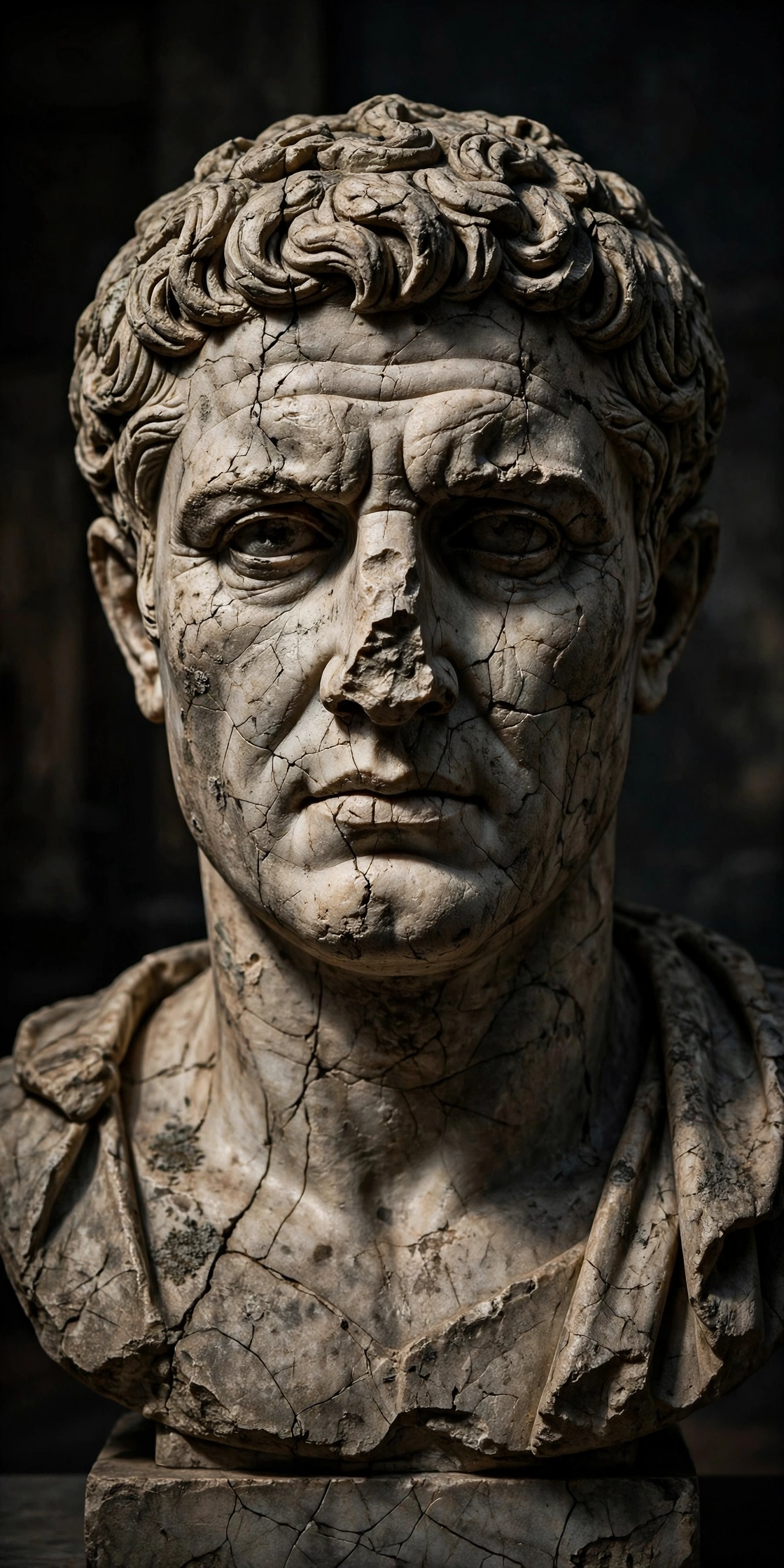
Layer separation is the oldest ask in photo editing — give me the subject, the background and the props as pieces I can move — and the browser version has always been a mask you paint yourself. This workflow makes it one run: a Gemini survey names what should separate and what will resist, Seedream 5.0 Flash Layerize (bytedance/seedream/v5/flash/layerize, $0.027 flat at every size — the Seedream 5.5 decomposition route bills $0.60) returns a clean base plate plus each element as its own transparent PNG carrying a name, a z-index and a bounding box, and a GLM guide closes with what to do with the stack and the honest edges. The claim was checked by rebuilding: stacking this saved run's background, bust and pedestal at their boxes over the base plate lands at a mean absolute difference of 14.26/255 against the original photo, 82.3% of pixels within 25 — close, visibly the same photograph, not pixel-perfect. The bust cutout is genuinely clean (head, neck and drapery, pedestal excluded, edges tight); the background layer is a soft matte. Honest edges, all measured on this ship's own runs: the model RE-SEGMENTS every run — in the morning probe the bust was z3 and the pedestal z2, in this saved run they are z2 and z3 with reworded names, and recomposition across runs scored 6.65 to 27.30, so treat names and boundaries as per-run, not canonical. Some photos refuse outright with a 422 (the candle product shot from One Photo, Whole Campaign did; refusals are never charged), and identical requests flake — the route went 200/422/200 across this ship's attempts, with remote-URL inputs the flakiest and inlined images landing first try. The base plate behind a lifted element is regenerated inpaint, plausible rather than the original pixels, and fine hair and weathered edges separate worst. Why this shipped the day it did: the model's response always carried all four layers, but every nanoodle executor's edit node kept only the first returned image, so a graph received just the empty base plate — the fix (edit nodes surface every returned image plus the layer metadata) landed across JS, Py, Rust, the editor's embedded engine and nanoodle-mcp on 2026-11-20, and this example is its first proof. The saved run is assembled from two runs of this exact graph and says so in run.json: layers from the run whose layerize call landed, guide text from a second run whose layerize call refused — the guide does not read the layers, only the survey.
Make it yours
- Open the graph — save first if the canvas already has your work. Undo brings yours back.
- Swap Photo for your own image — one clear subject on a distinguishable background separates best. Edit Layer instruction only to name what matters (a person, a product, a sign); the layer count itself is the model's decision, not a setting. Keep Layerize — Seedream V5 Flash on
bytedance/seedream/v5/flash/layerize; wire its images output onward to use every layer in the same graph, or open the run's outputs to download the stack. - Check the editor estimate, then run with your NanoGPT key. Two paid calls: the saved run reported $0.0274 in total (Layerize a flat $0.027 at every size, Gemini survey $0.0004, GLM guide $0.00). Refused photos are not charged. Prices and results vary.
- Stack the saved layers at their bounding boxes (layers.json carries each name, z-index and box) and compare with the photo: this run rebuilds at a mean absolute difference of 14.26/255. Then check the bust cutout's edges against the survey's warning — the weathered hair is where the alpha goes soft.
Download workflow · Original sampled graph · Explore MCP tools · awesome-noodles