Same shot, three looks
Lock one composition, then climb a style ladder with Muse Edit.
Show that chained image edits can keep framing while swapping materials — glass, watercolor, photoreal — without redrawing the scene from scratch.
Saved result
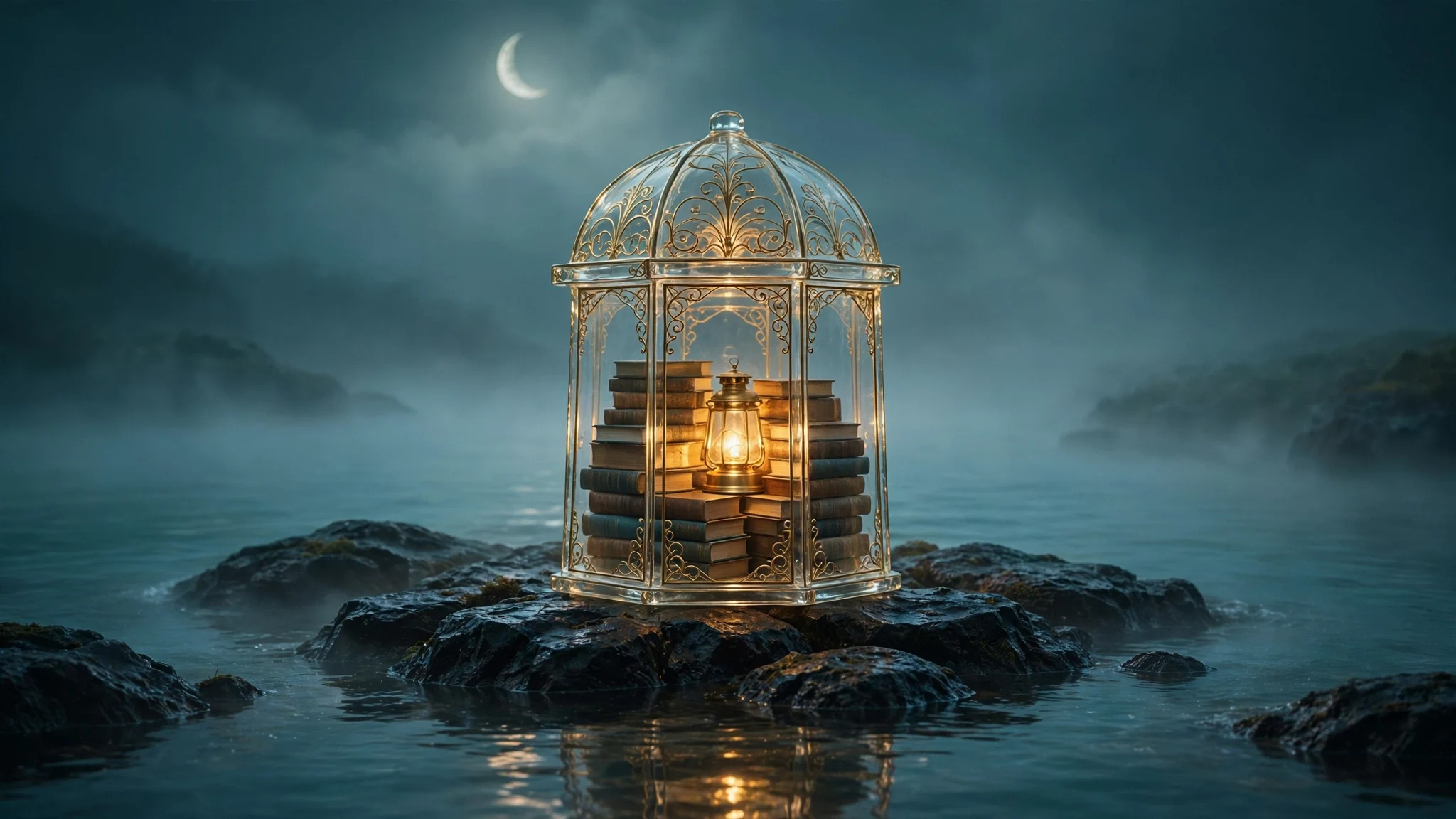
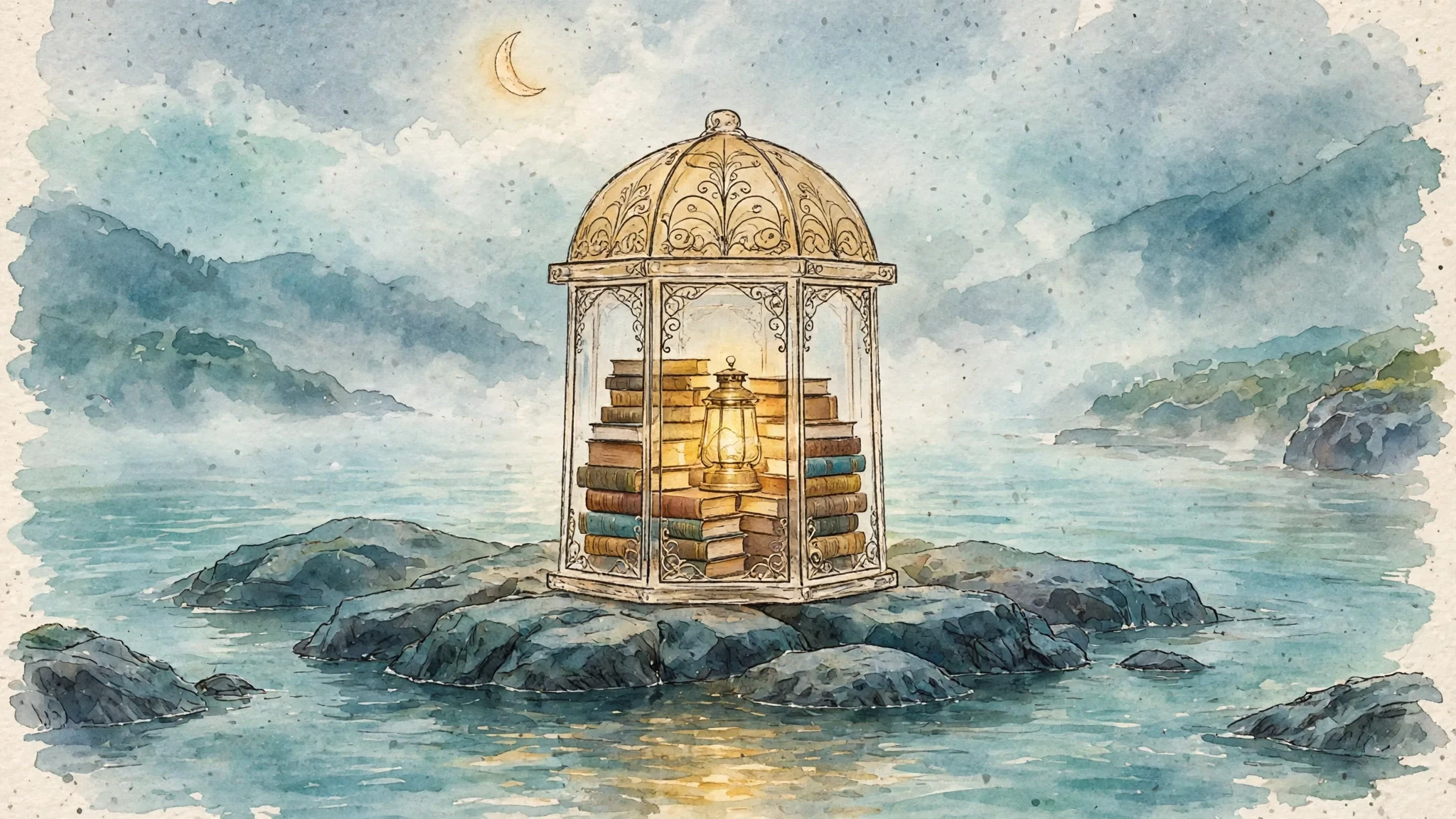
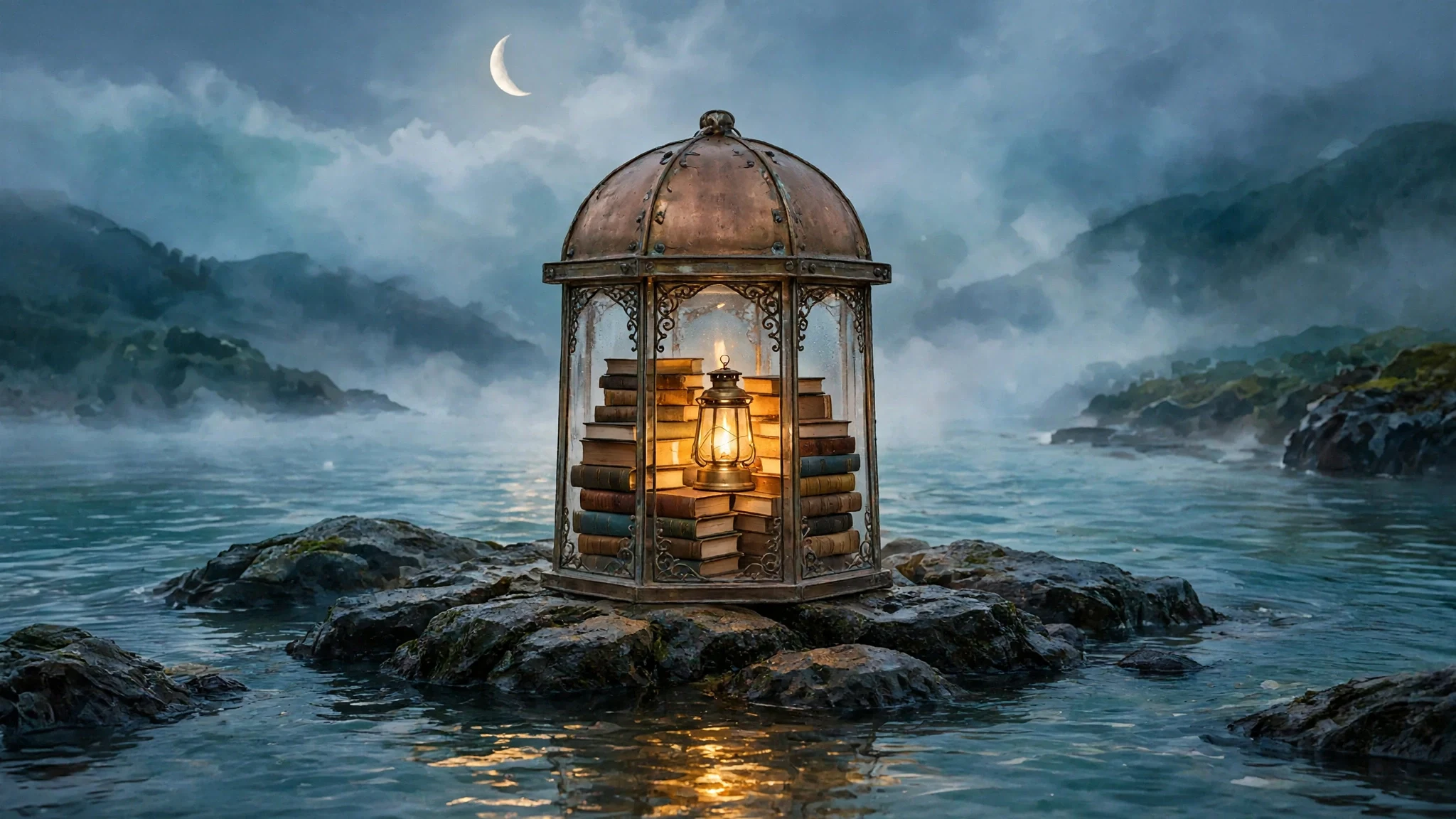
A glass birdcage packed with books and a warm lantern sits on wet rocks in misty teal water under a crescent moon. Muse paints the glass look; Muse Edit restyles it to watercolor, then to photoreal fantasy, keeping the same framing. Seedance 1.5 Pro (720p, 5 s, silent) adds ambient motion on the glass still — in this run it invented golden sparkles instead of a clean material morph, so the three stills are the real ladder. Muse also read the lighthouse prompt as a glass birdcage/gazebo; the ladder still holds. Checked frames are SFW (no people). Inspired by ComfyUI style-morph / material-ladder clips such as @eikoung (https://x.com/eikoung/status/2110576332908433628); no media from that post is used.
Make it yours
- Open the graph — save first if the canvas already has your work. Undo brings yours back.
- Rewrite Glass look prompt with another SFW still-life (fixed camera, clear props). Keep Watercolor edit and Photoreal edit as preserve-composition restyles, and keep Morph motion on the Seedance clip if you want ambience — or disconnect that video node for a stills-only ladder.
- Check the editor estimate, then run with your NanoGPT key. This saved run was about $0.16 (three Muse calls ~$0.033 + Seedance ~$0.13). Stills alone are ~$0.03.
- Compare the three stills side by side: same rocks, cage/lantern, moon placement. The watercolor should read as paper; photoreal as a photo. Treat the Seedance clip as optional ambience (Morph motion often drifts into sparkles rather than a clean material morph).
Download workflow · Original sampled graph · Explore MCP tools · awesome-noodles